Instructor guide
Create or open a course
Open BYTE Grader → My Courses in JupyterLab. Courses visible to you are determined by your JupyterHub administrator status or your active instructor enrollment.
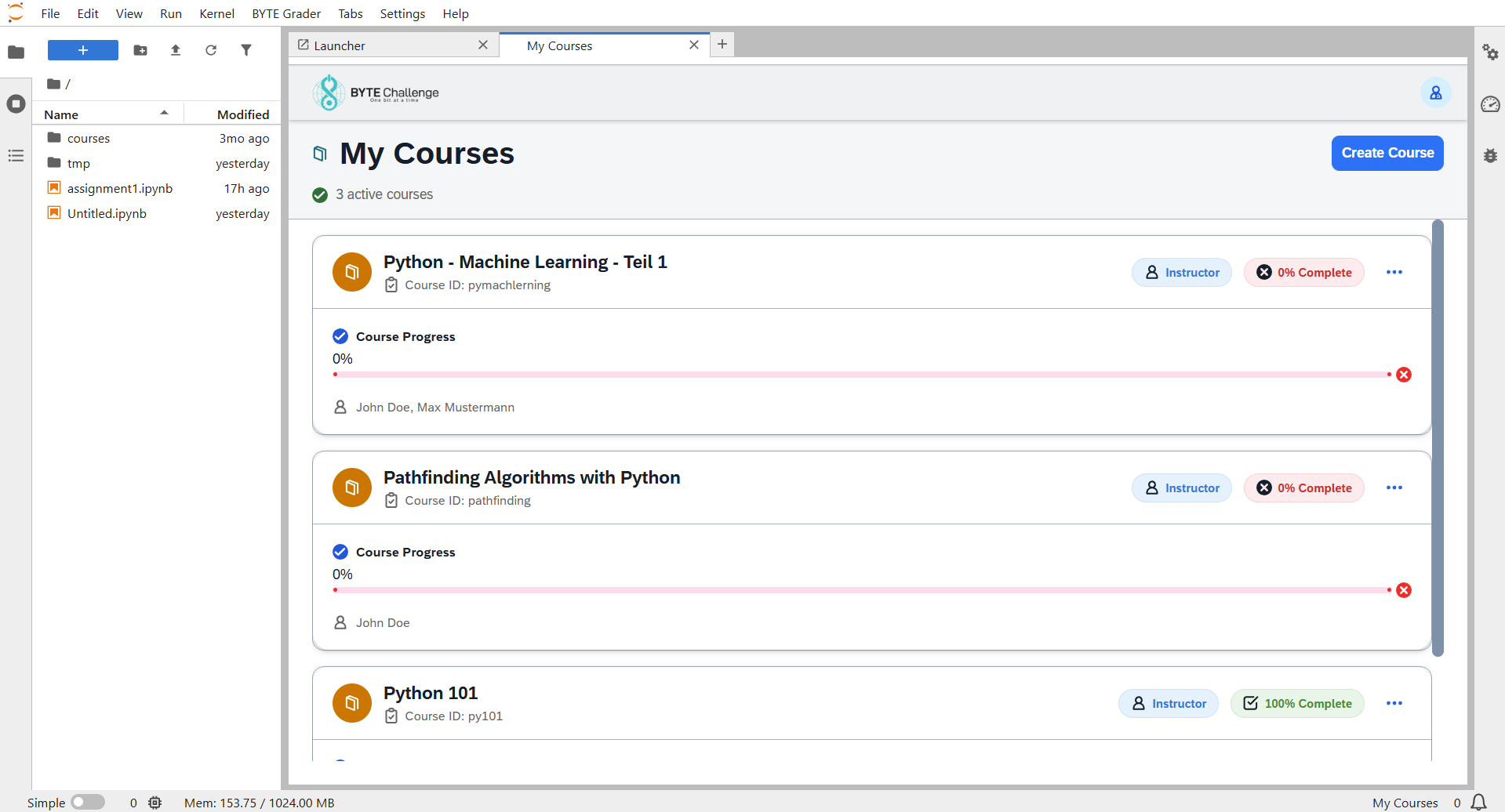
Administrators can create courses globally. Instructors can edit and delete courses in which they are enrolled. Enrollment editing is only available for non-LTI courses; an LTI-managed roster is synchronized from the LMS.
Prepare assignment notebooks
Create the notebook in JupyterLab and enable BYTE Grader → Assignment Creation Mode. Each cell may be assigned a grading role:
| Role | Purpose |
|---|---|
| Manually graded | Student answer that needs instructor review |
| Task | Markdown or code task with points and an optional marking scheme |
| Autograded solution | Editable student code inserted into the instructor notebook during grading |
| Autograder tests | Instructor-owned tests; hidden regions are removed from the distributed copy |
| Read-only | Context or setup that students cannot edit |
Give graded cells stable, unique grade IDs and non-negative point values. Notebook cell IDs are also preserved and are used to associate submitted cells with the stored assignment.
See Authoring notebooks for metadata and delimiter details.
Create an assignment
From the assignment list, open the creation wizard:
- Enter the name and description.
- Choose the due date, late-submission behavior, resubmission behavior, and solution policy.
- Select one or more
.ipynbfiles and any supporting assets. - Generate and inspect the student preview.
- Confirm the assignment.
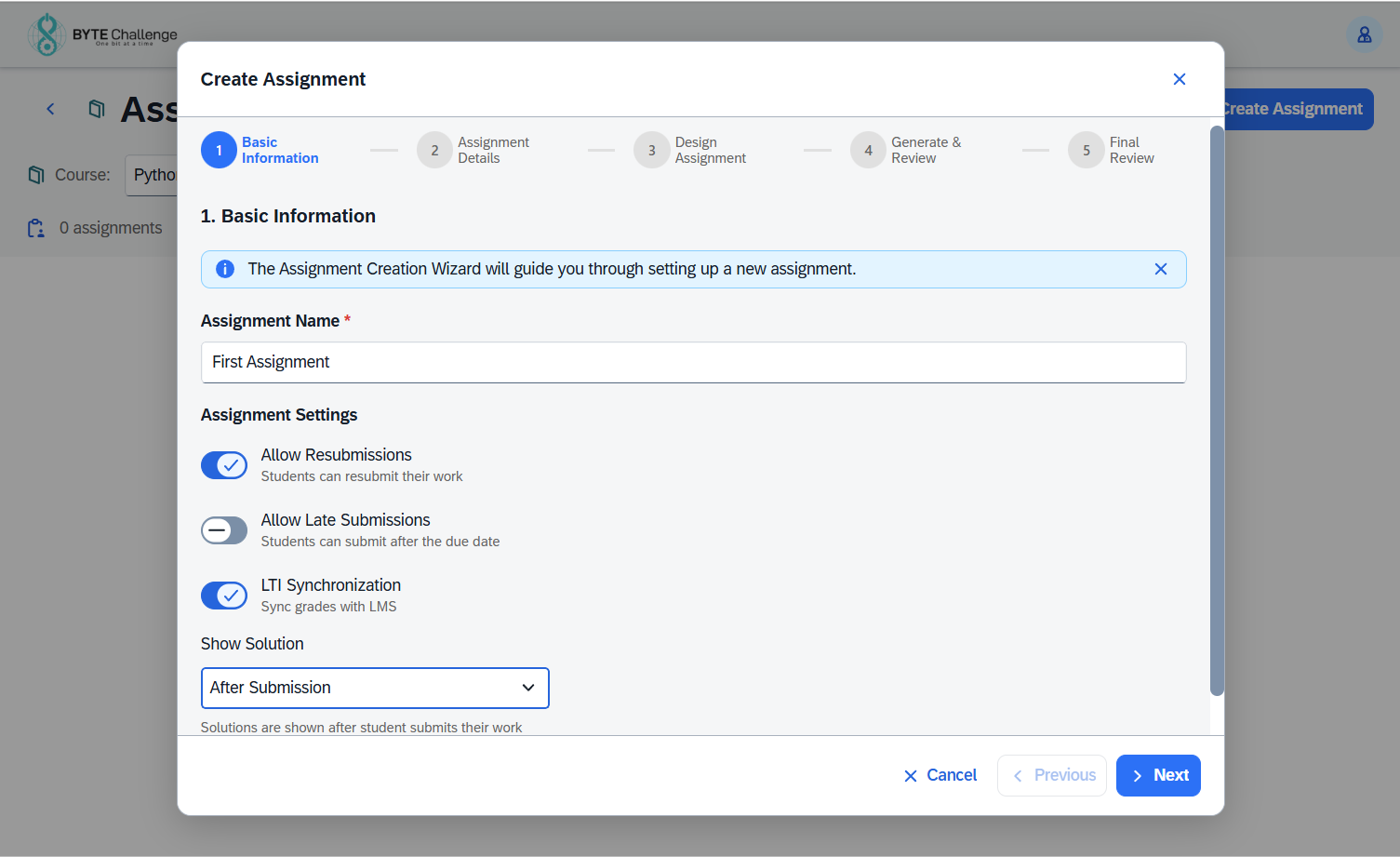
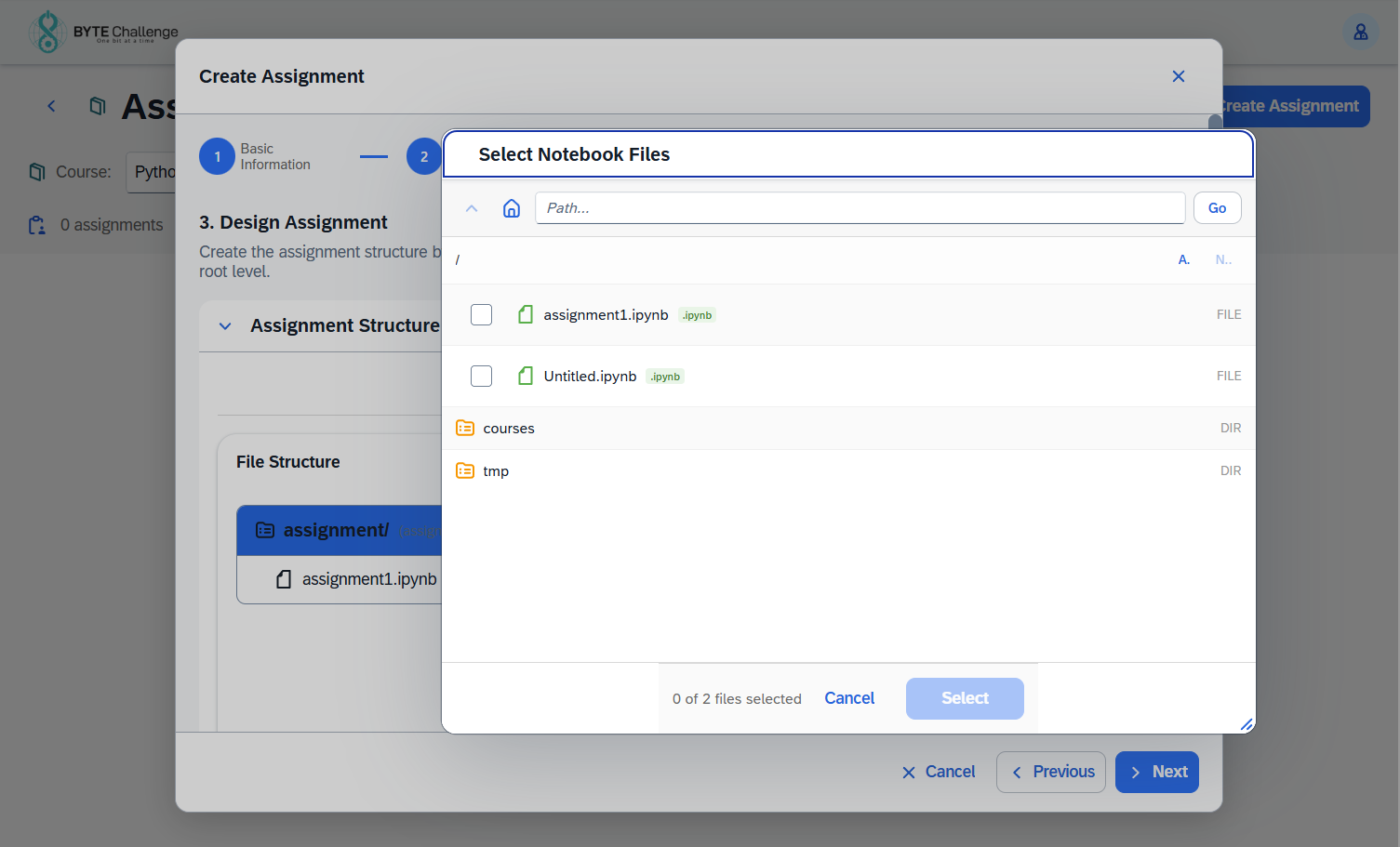
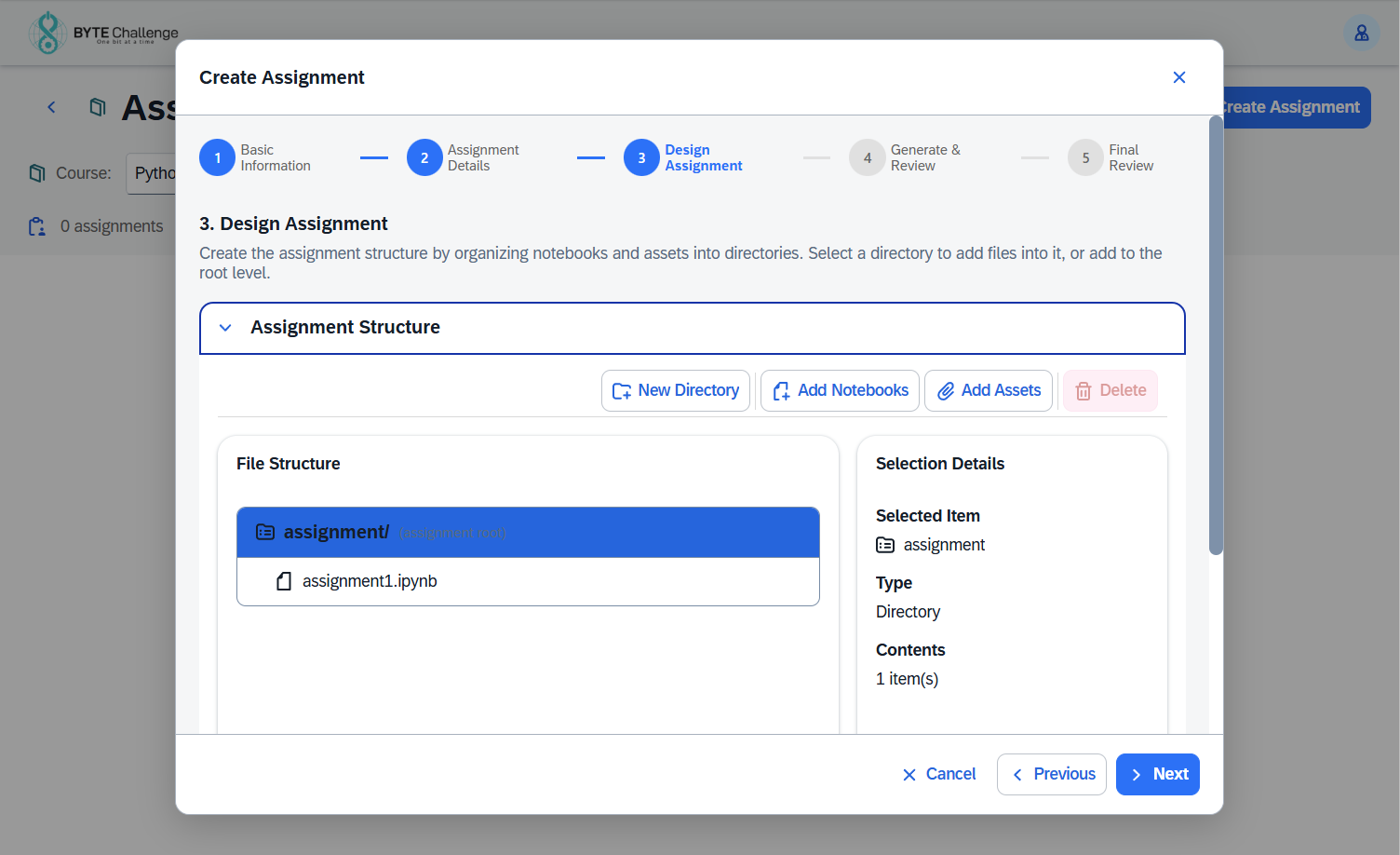
When LTI synchronization is enabled for the assignment, BitsyGrader creates an LMS line item whose maximum score is the total of all gradable cells.
Manage published assignments
The assignment list shows visibility, due dates, notebooks, submission state, and scores. Instructors can:
- fetch the instructor solution copy;
- delete assignments;
- see hidden assignments that students cannot access;
- monitor whether submissions are submitted, graded, or completed.
Deleting an assignment cascades to its notebooks, cells, submissions, grades, comments, and asset records. Treat it as permanent.